
AI images for your website, made with WebNewBee
Need AI images for your website but have no photos yet? In the WebNewBee builder, click any photo, describe the image you want in your own words and click Generate. You get two pictures to choose from in about a minute, and the one you pick goes straight into your site, like a photo you uploaded. Every example below was made exactly that way, with our own builder. The sentence under each picture is the prompt that made it.
Six examples, six businesses
Software designer

Apps and tools designed around your team, built step by step with you.
Cleaning company

Weekly, monthly or move-out cleaning by a trusted, insured team.
Restaurant
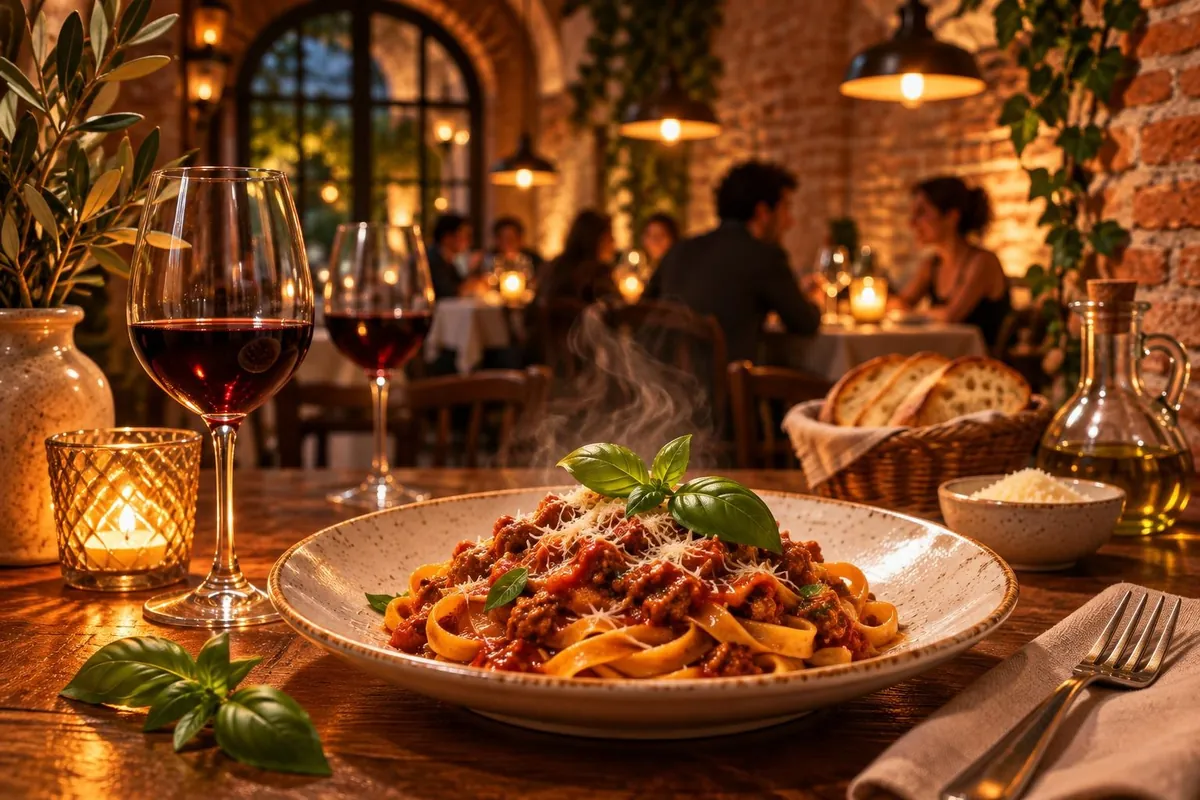
Family recipes, a warm room and a table waiting for you tonight.
Contractor
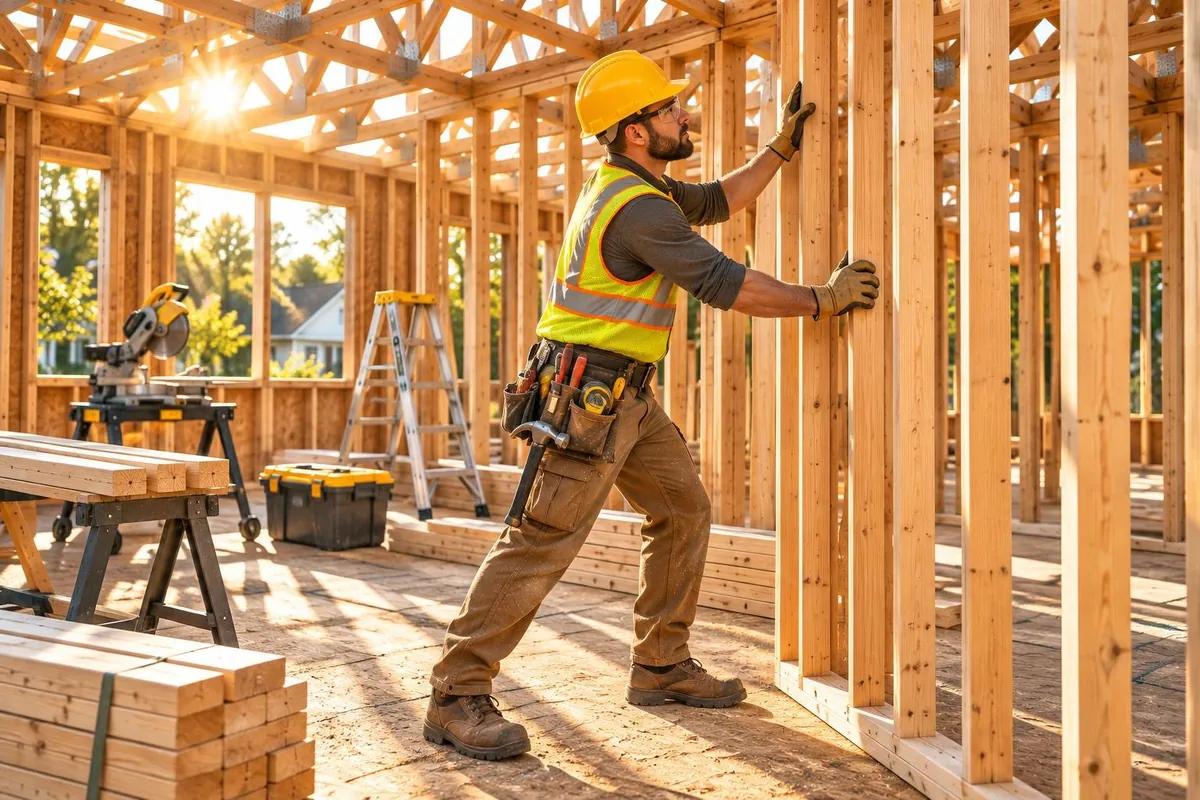
From the first wall to the final walkthrough, one crew you can count on.
Hair salon
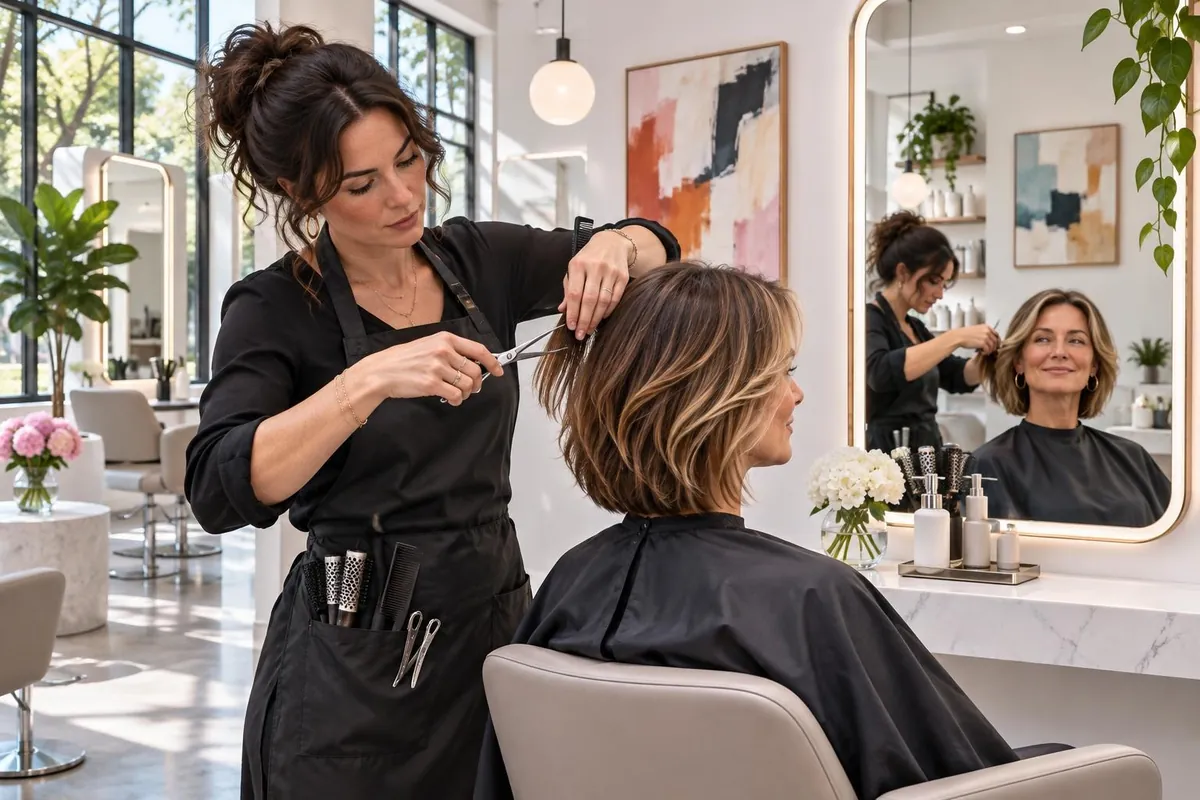
Relax in a bright, calm space and leave with a look you love.
Coffee shop
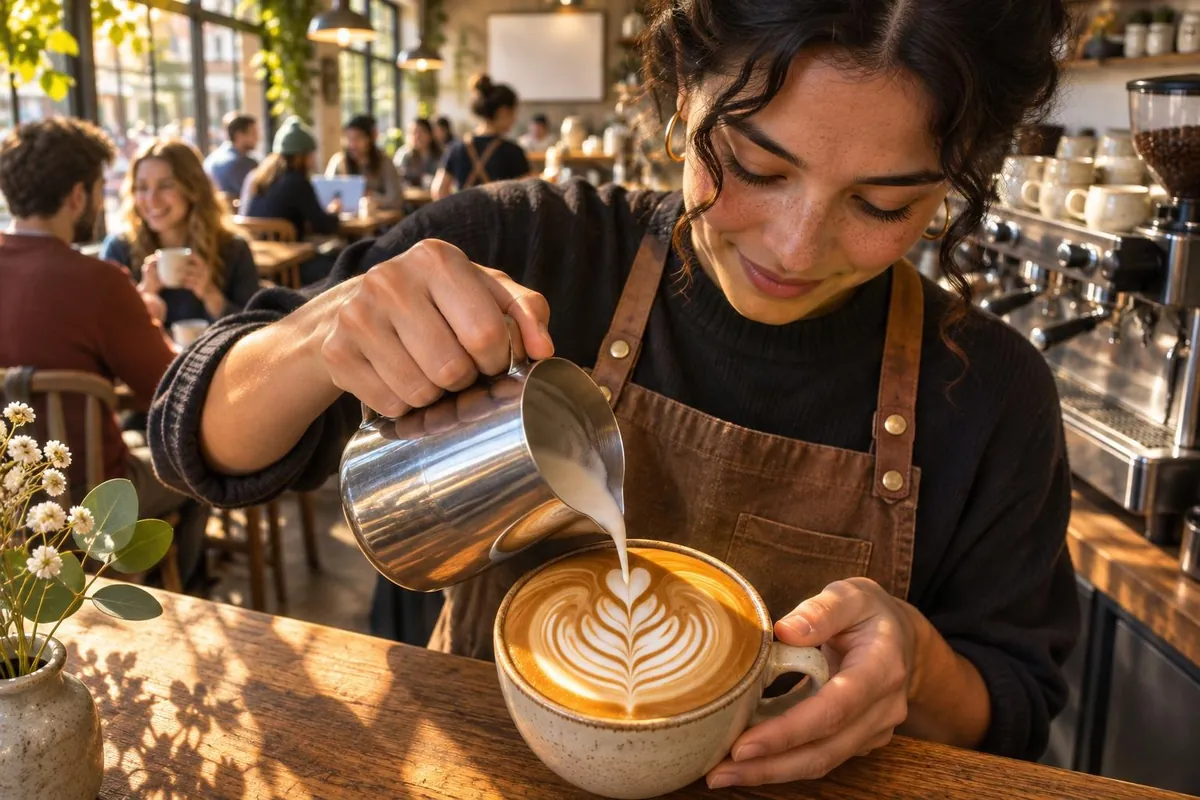
Espresso, fresh pastries and a seat by the window, from 7 a.m.
How it works
- Click any photo on your site, in the WebNewBee builder.
- Describe the image you want in a sentence, in English or French.
- Pick one of the 2 pictures it goes into your site right away. Change it any time.
Good to know
- Up to 20 AI images a month for each website, shown as “X left this month”. Your own photos and the free photo library always work too.
- Each picture is made for your site from your words. It is saved with your other photos and you can replace it at any time.
- When the AI builder writes your site, tick “Create images for my site” and it makes a picture for each part of your site for you.
- We don’t make pictures of real, named people, logos or brands, characters from films or games, or sexual or violent scenes.
Make your own
Build your site free, then click any photo and describe the picture you want.